Wash History
View all your past washes and transactions in one place.
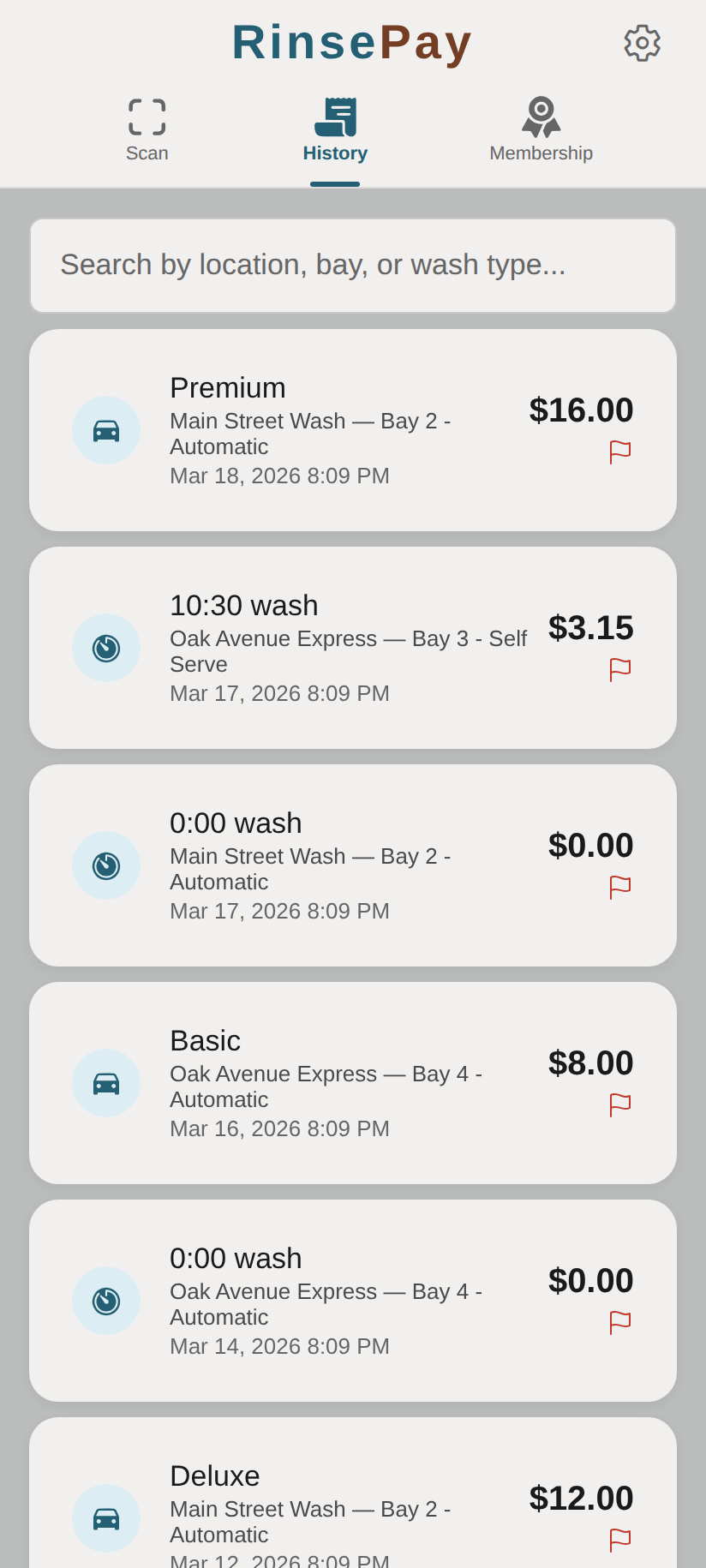
Viewing Your History
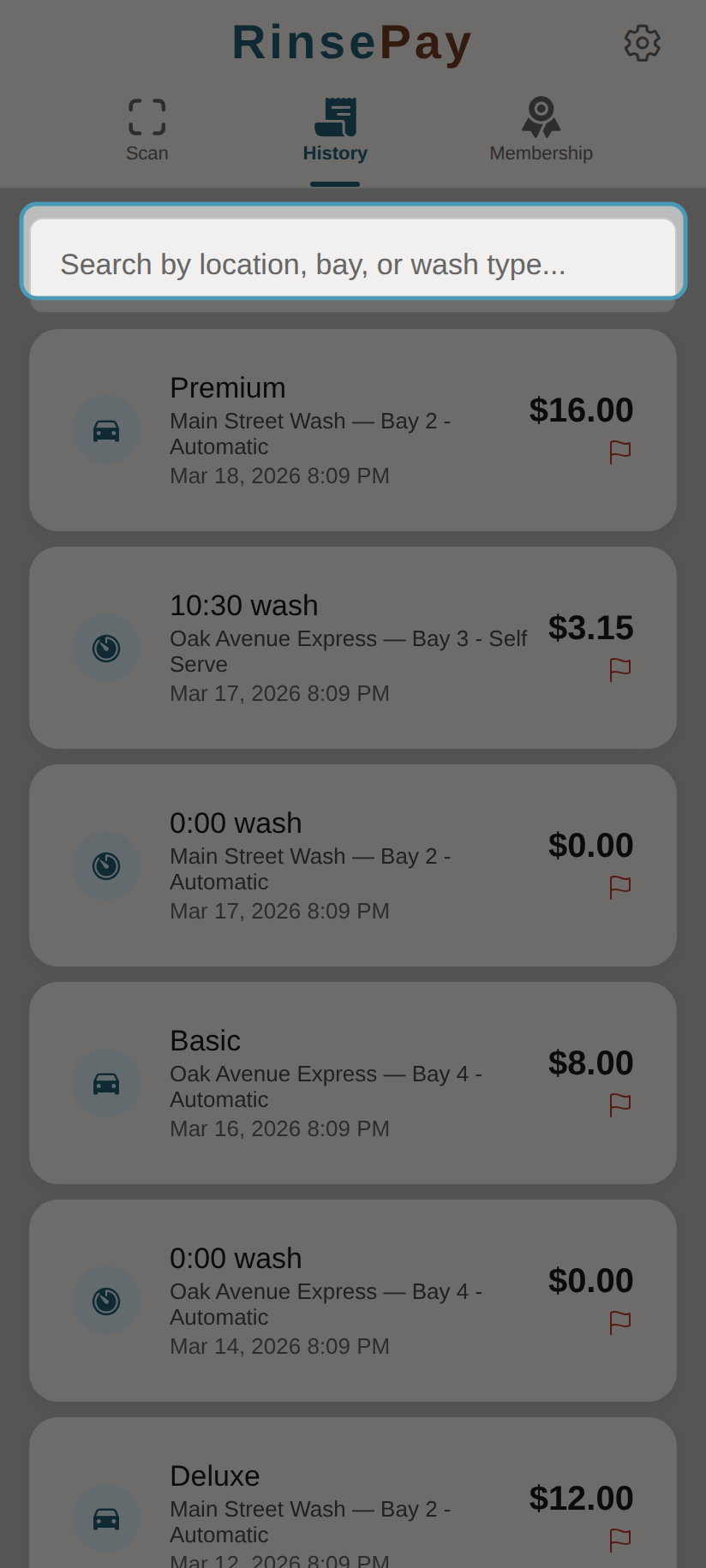
Use the search bar to filter by location, bay, or wash type:
- Tap History in the navigation bar
- You'll see a list of all your past wash transactions
- Each entry shows:
- Location and bay name
- Date and time
- Amount charged
Transaction Details
Tap any transaction to see more details including:
- Wash type (self-serve, automatic, or bundle)
- Duration (for self-serve washes)
- Payment method used
Reporting a Problem
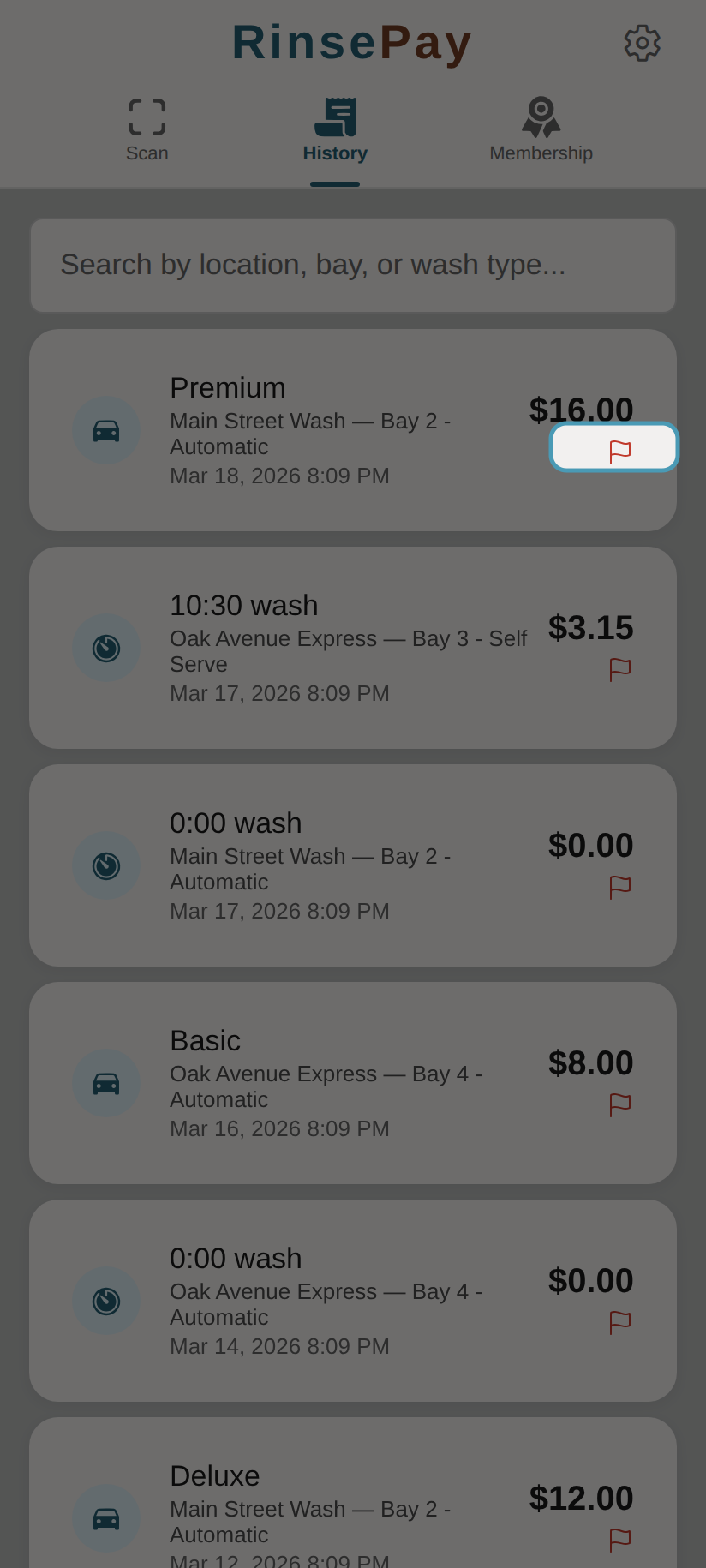
If something went wrong with a wash, tap the red flag icon:
- Find the wash in your History
- Tap the red flag icon on the transaction
- Select a problem category:
- Wash didn't start
- Wrong amount charged
- Equipment issue
- Water/soap issue
- Other
- Describe the problem (up to 2,000 characters)
- Choose how you'd like to be contacted (email or phone)
- Tap Submit
The car wash owner will be notified and can follow up with you. You'll also receive a confirmation email.
Note: You can submit up to 3 problem reports per hour.