Payment Methods
RinsePay supports multiple payment methods so you can pay the way that works best for you.
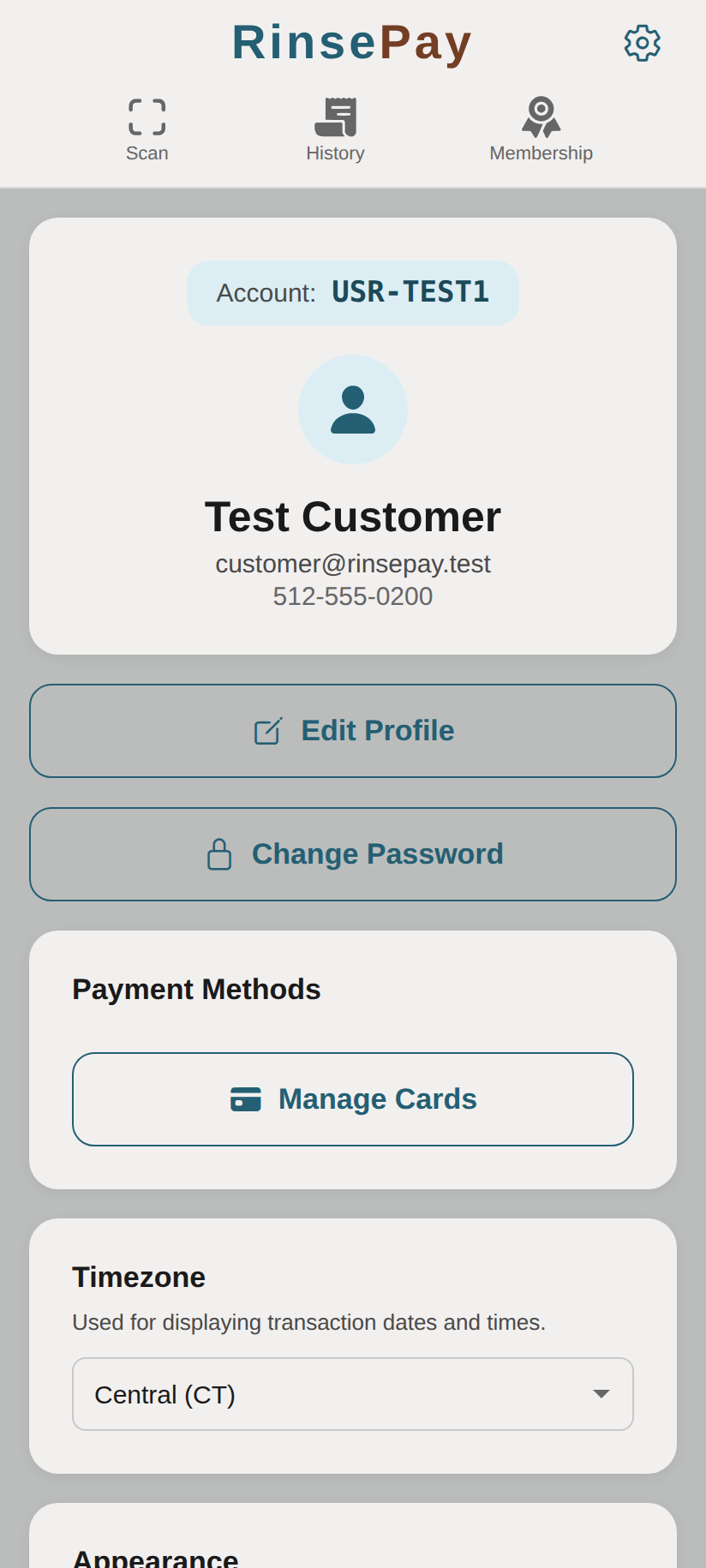
Supported Payment Methods
- Credit and Debit Cards — Visa, Mastercard, American Express, Discover
- Apple Pay — Available on iOS devices
- Google Pay — Available on Android devices
Adding a Payment Method
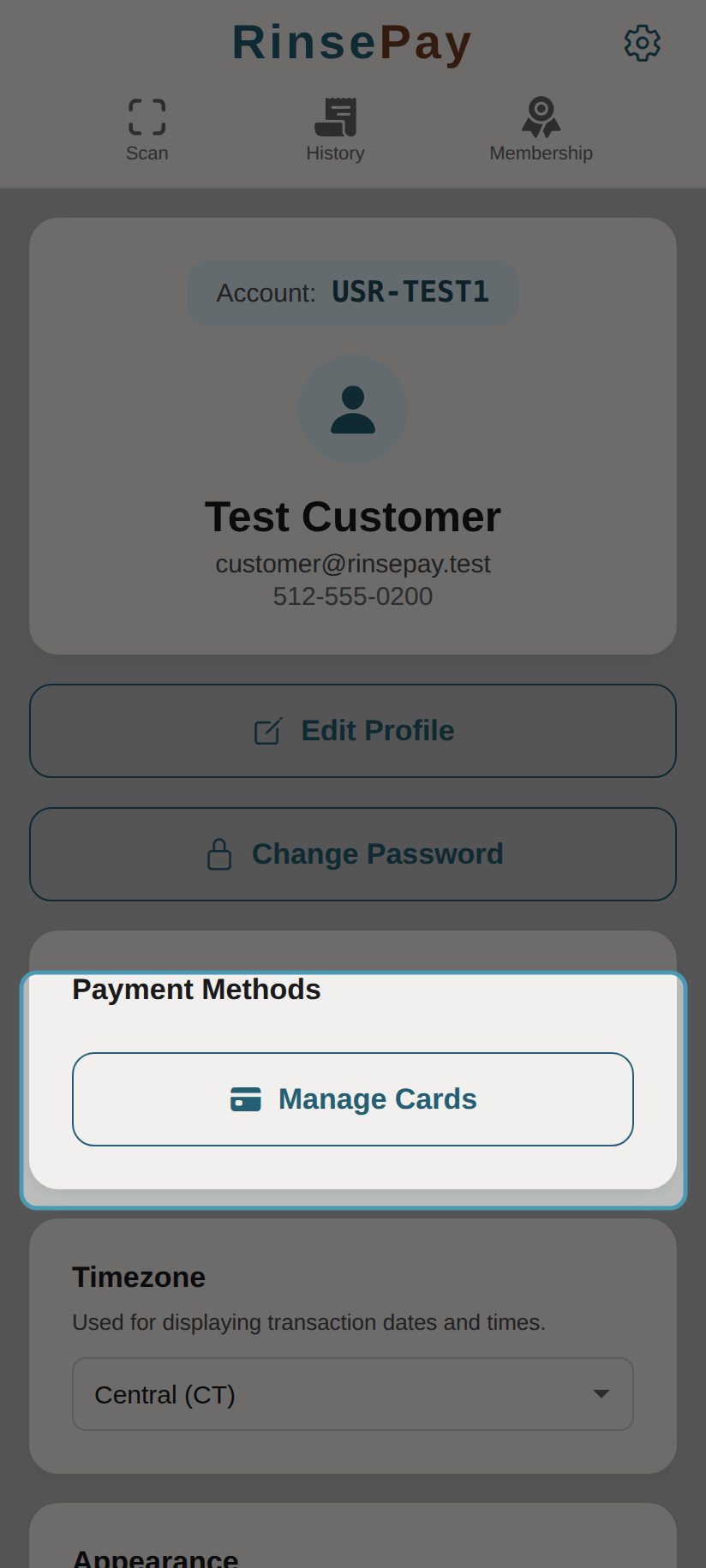
- Go to Account in the navigation bar
- Tap Payment Methods
- Tap Add Payment Method
- Enter your card details or select Apple Pay / Google Pay
- Your payment method is securely saved for future washes
Managing Payment Methods
- View all saved payment methods in Account > Payment Methods
- Remove a payment method by tapping the delete button
- Your default payment method is used automatically when starting a wash
Security
- Card details are processed by Stripe, a PCI-compliant payment processor
- RinsePay never stores your full card number
- Apple Pay and Google Pay use tokenization for added security
- All transactions are encrypted with TLS
Receipts
- After each wash, a receipt is available in your History
- Receipts show the location, bay, wash type, duration, and amount charged