Reporting a Problem
If something goes wrong during or after a wash, you can flag it directly from the app. Look for the red flag icon on your wash history or active wash screen.
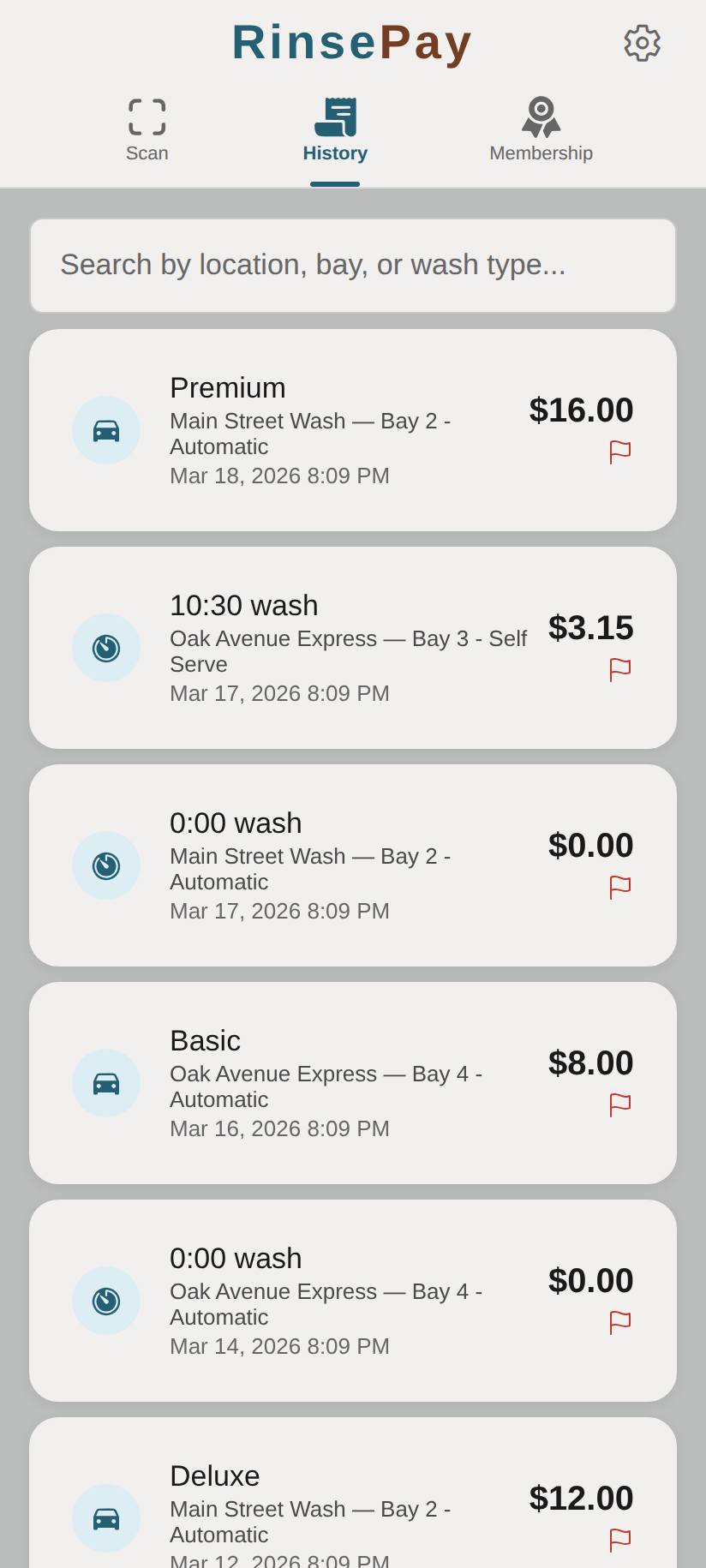
Tap the red flag icon on any transaction to report a problem:
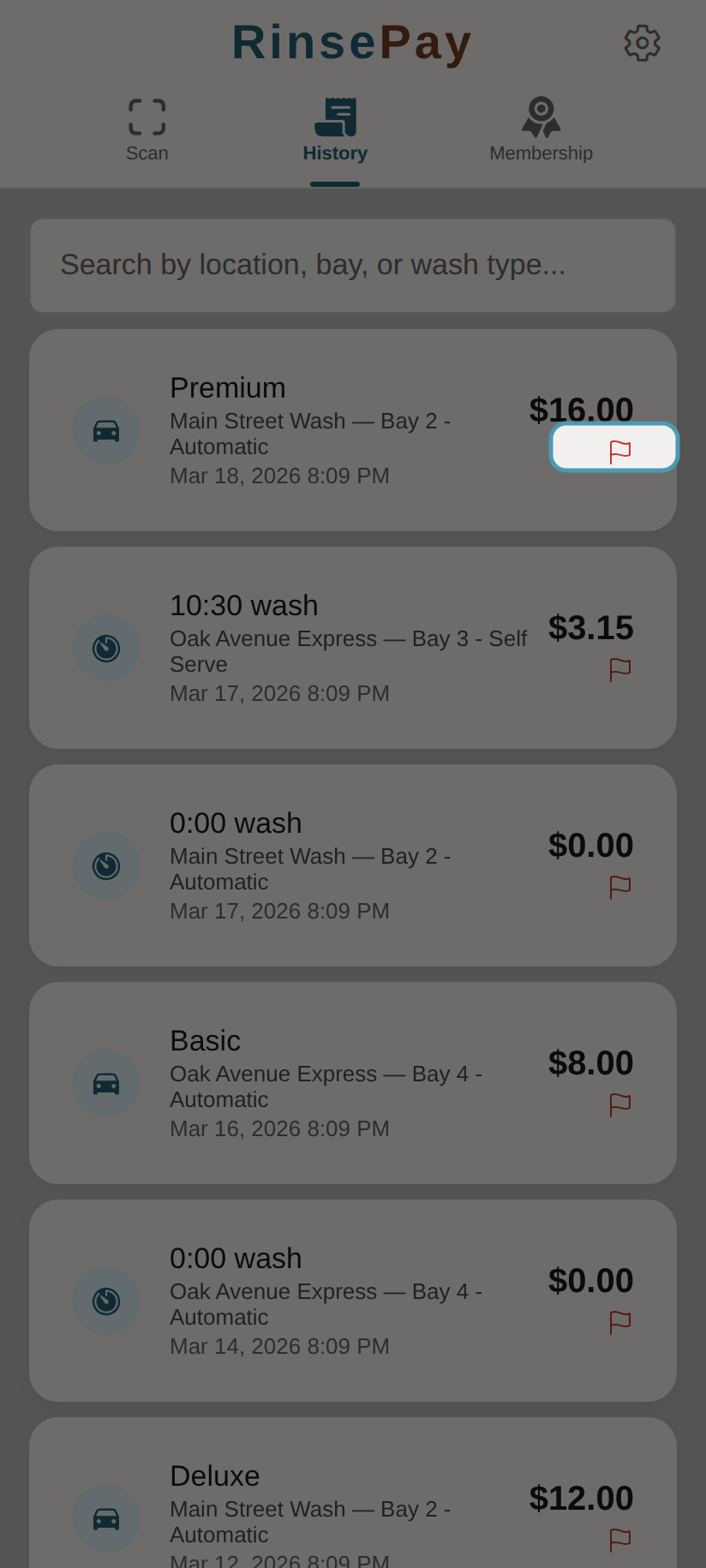
When to Report
- The wash equipment didn't activate
- You were charged the wrong amount
- Equipment malfunctioned during your wash
- No water or soap was dispensed
- Any other issue with your wash experience
How to Report
During a Wash
- On the active wash screen, tap the red flag icon
- Fill out the problem report form
After a Wash (from History)
- Go to History
- Find the wash transaction
- Tap the red flag icon on that transaction
- Fill out the problem report form
The Report Form
- Category — Select the type of problem:
- Wash didn't start
- Wrong amount charged
- Equipment issue
- Water/soap issue
- Other
- Description — Explain what happened (required, up to 2,000 characters)
- Contact Preference — Choose email, phone, or both
What Happens Next
- The car wash owner receives an email notification with your report
- You receive a confirmation email
- The owner can review the report and take action (refund, follow-up, etc.)
Rate Limits
To prevent abuse, you can submit up to 3 reports per hour. If you need to submit more, wait and try again later.