Scanning a QR Code
Every RinsePay-enabled wash bay has a QR code. Scanning it takes you directly to that bay's payment screen.
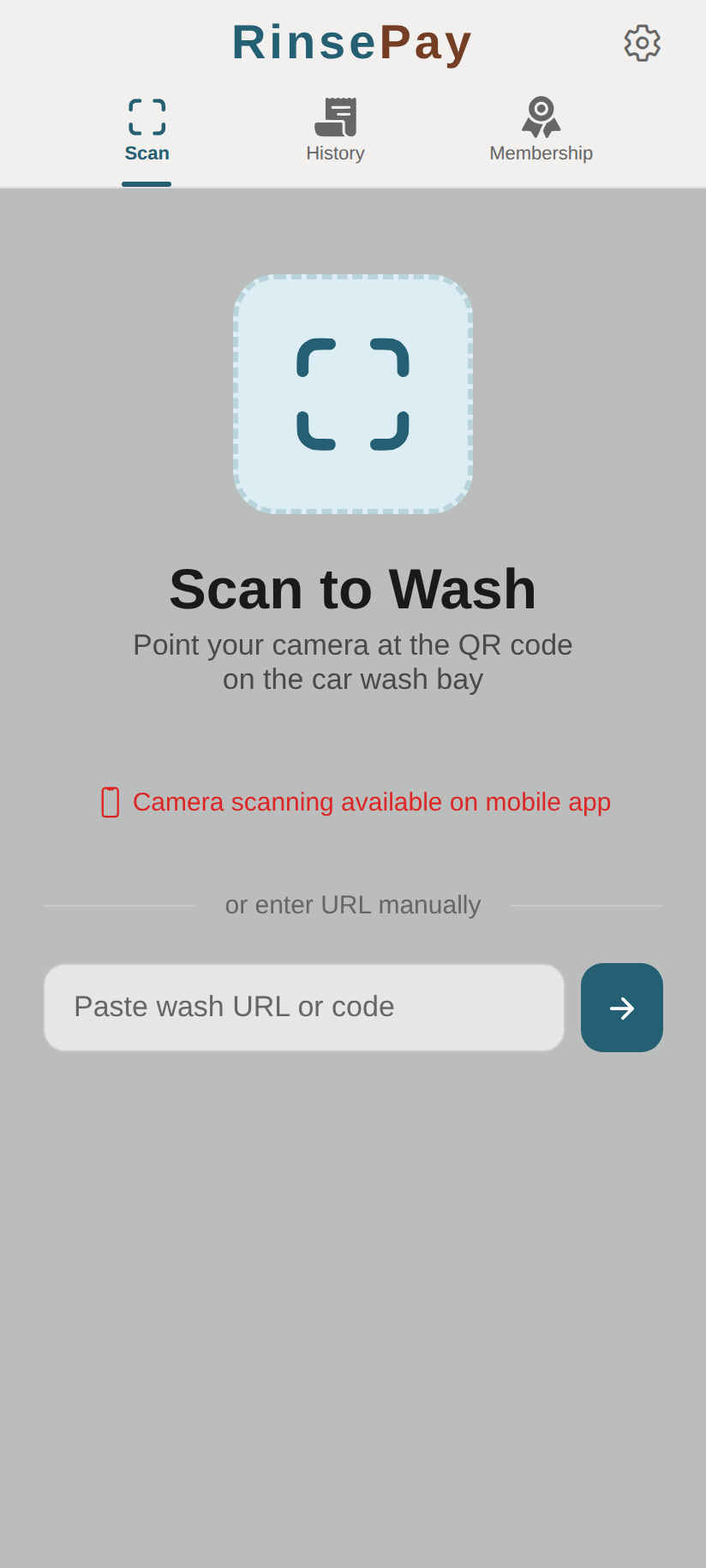
How to Scan
From the App
- Open RinsePay and tap Scan in the navigation bar
- Point your camera at the QR code on the wash bay
- The app automatically detects and opens the bay's wash screen
From Your Phone's Camera
- Open your phone's default camera app
- Point it at the RinsePay QR code
- Tap the notification/link that appears
- You'll be taken to the RinsePay wash screen for that bay
Manual Entry
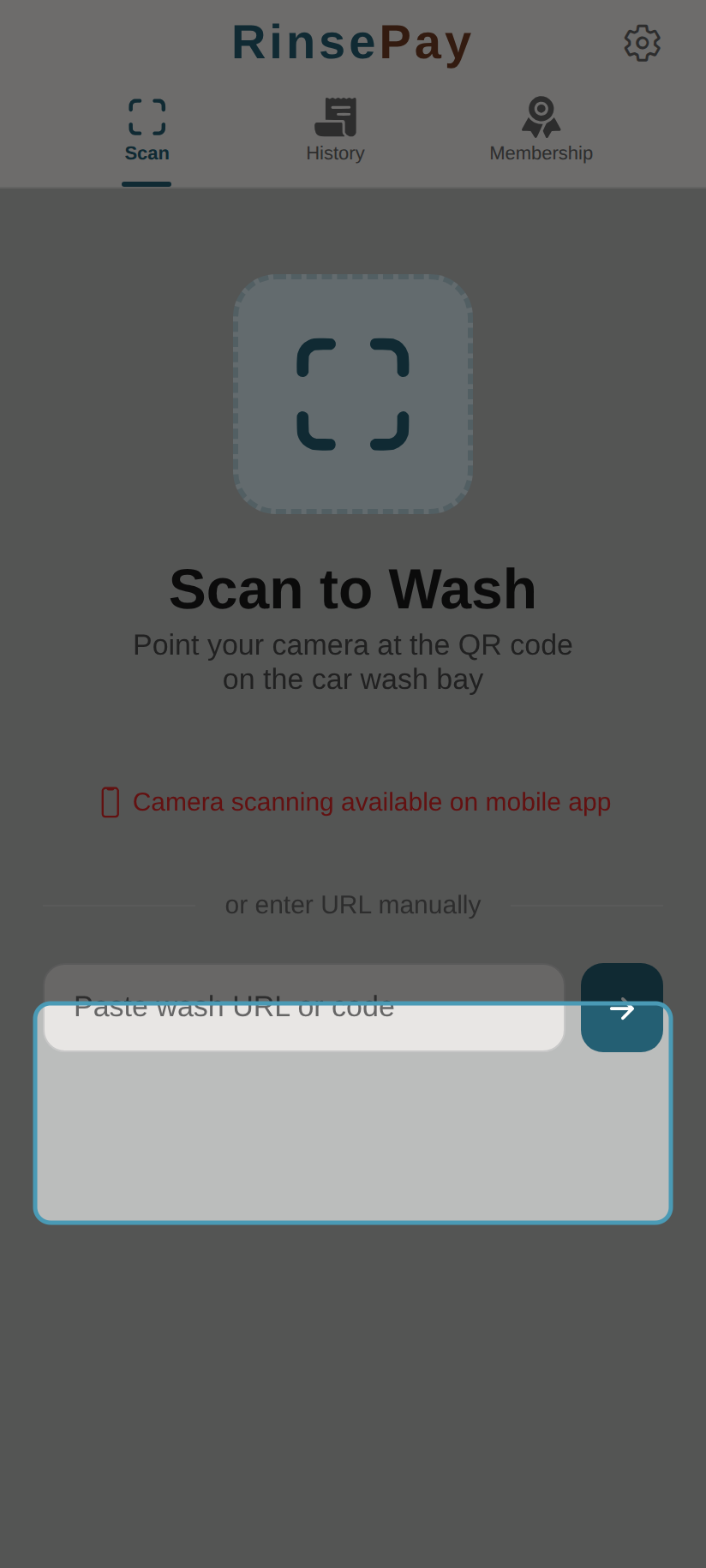
If the QR code is damaged or hard to scan:
- Open the RinsePay app
- Tap Scan
- Look for the Enter URL manually option
- Type the URL printed below the QR code (e.g.,
rinsepay.app/wash/...)
Tips
- Make sure your camera lens is clean
- Hold your phone steady about 6-12 inches from the QR code
- Ensure adequate lighting
- The QR code links directly to a specific bay at a specific location