Fleet Management
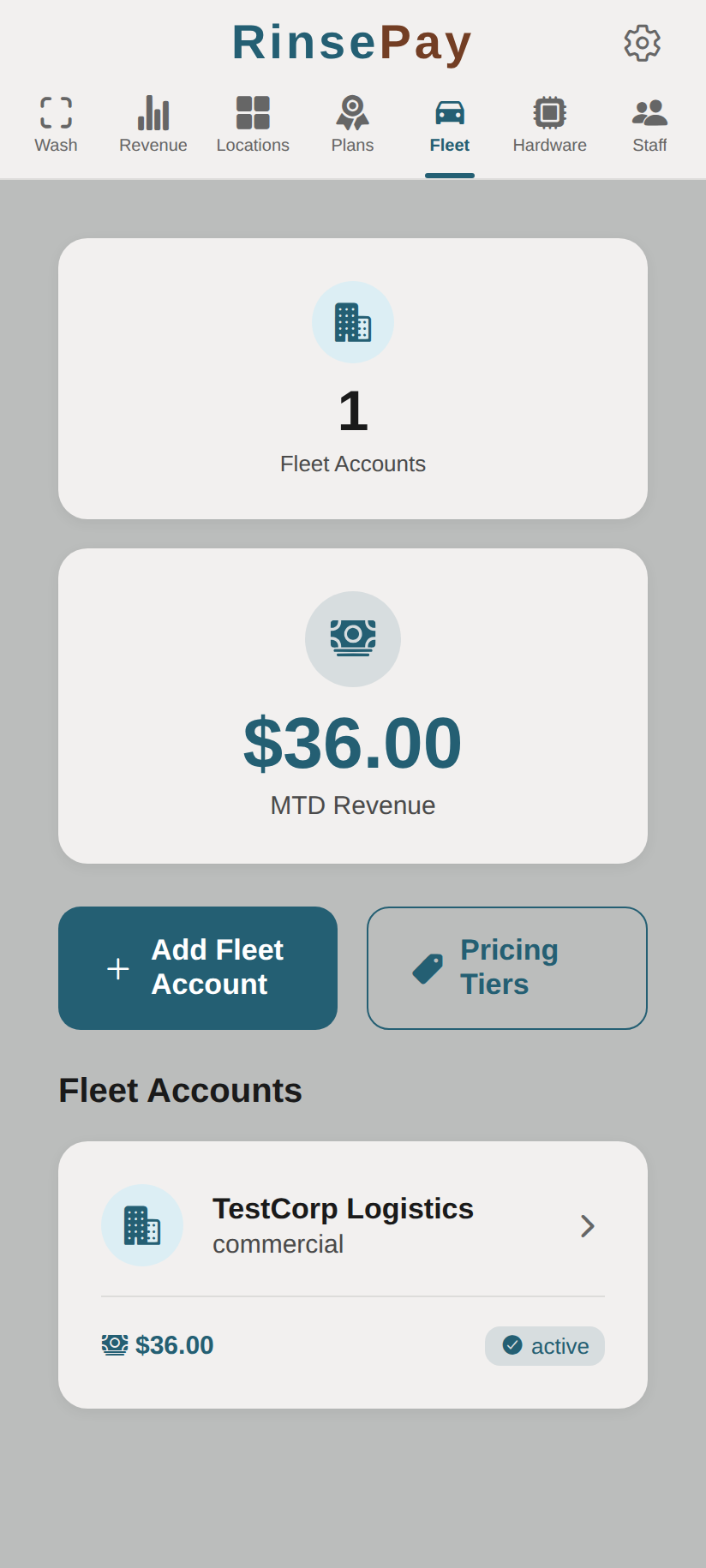
Manage business-to-business (B2B) fleet accounts for companies that need to wash multiple vehicles.
What Are Fleet Accounts?
Fleet accounts let businesses (delivery companies, taxi services, rental agencies, etc.) set up billing for their vehicle fleet. Instead of individual payments, fleet washes are invoiced to the business.
Creating a Fleet Account
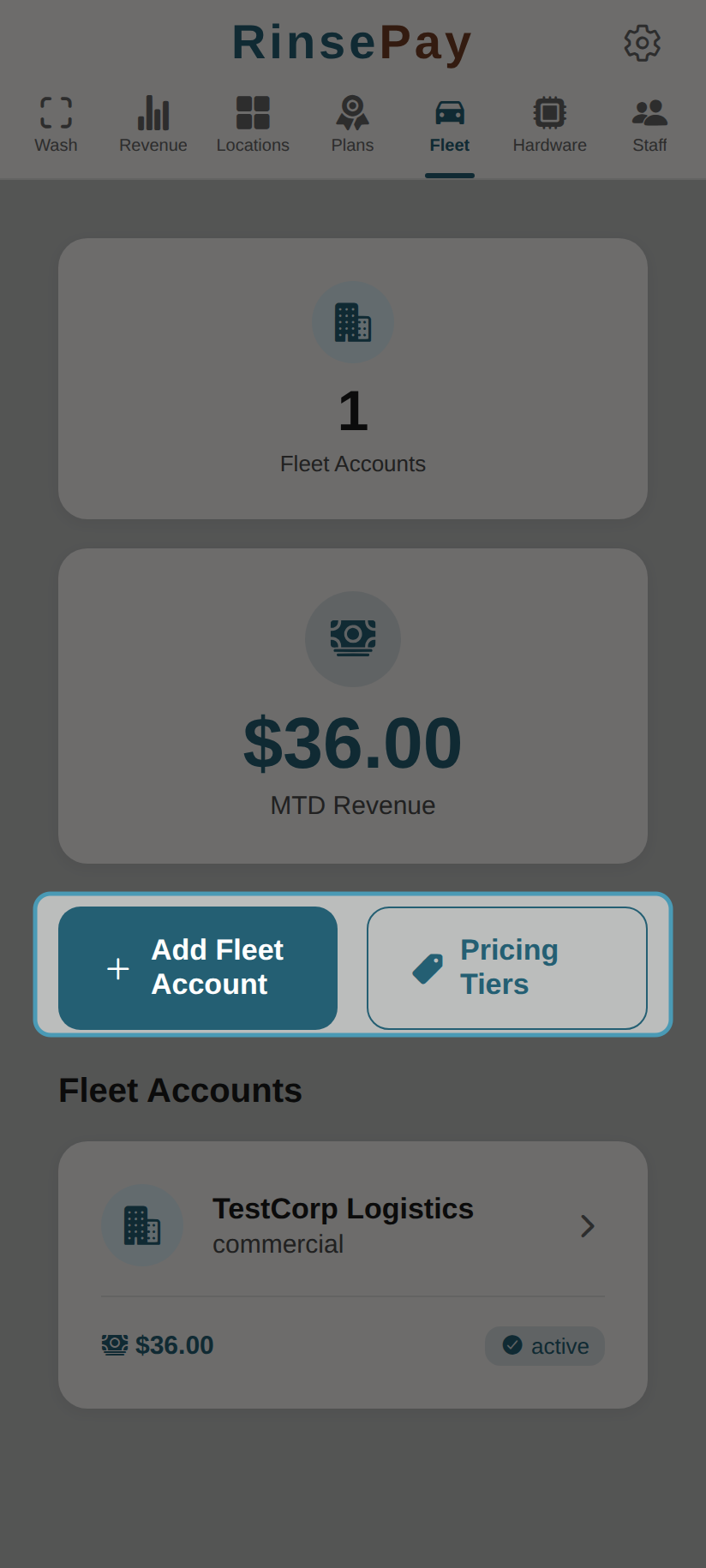
- Navigate to Fleet in the owner sidebar
- Tap Add Account
- Enter the business details:
- Company Name
- Contact Person
- Email and Phone
- Billing Address
- Pricing Tier (optional — custom rates for this fleet)
- Tap Save
Adding Vehicles/Members
- Open the fleet account
- Tap Add Vehicle
- Enter the vehicle or driver details
- The member receives access to wash on the fleet's account
Pricing Tiers
Create custom pricing tiers for fleet accounts:
- Go to Fleet > Tiers
- Create tiers with custom per-wash rates
- Assign tiers to fleet accounts
Invoicing
Generate invoices for fleet accounts:
- Open a fleet account
- Tap Generate Invoice
- Select the billing period
- Review the itemized wash list
- Send the invoice to the business
Managing Fleet Accounts
Each fleet account card shows company name, revenue, and status:
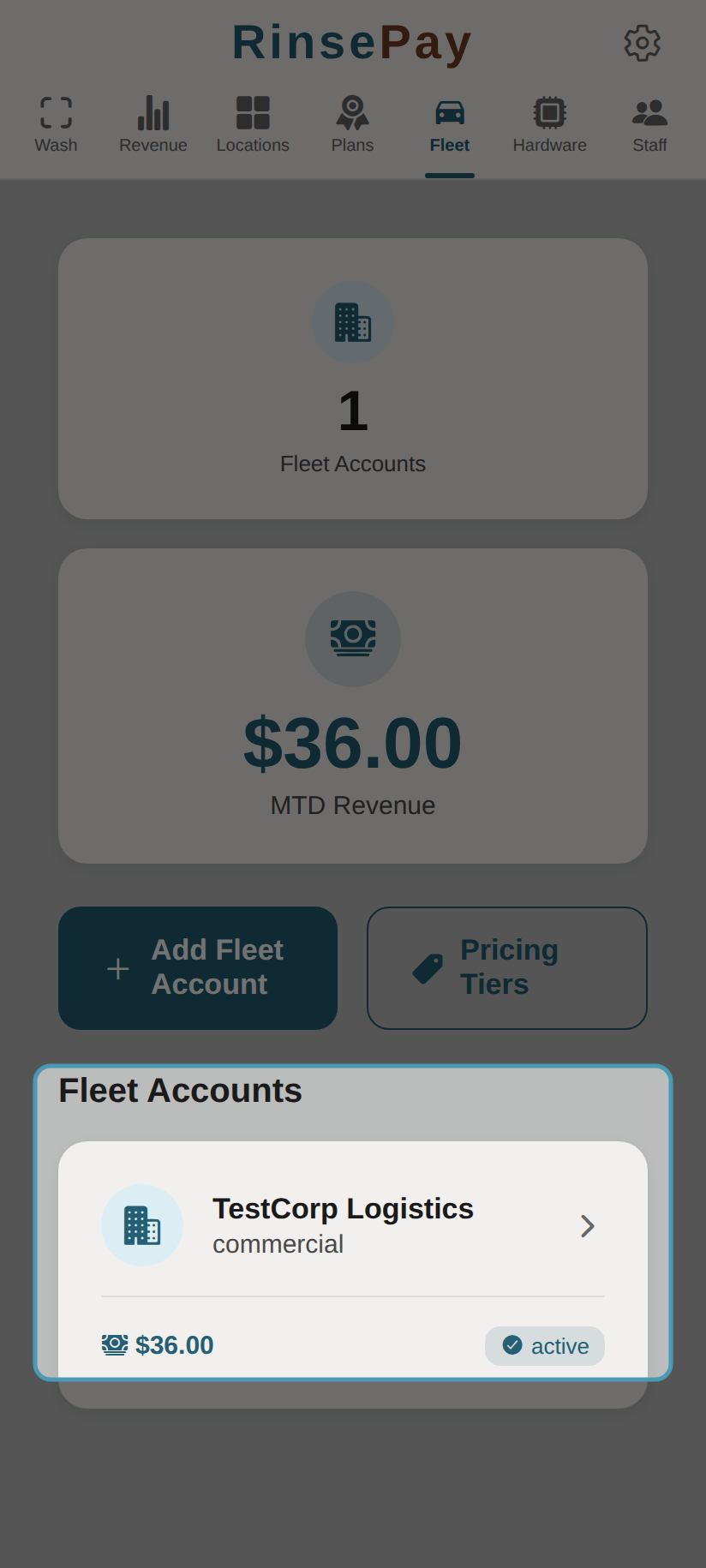
- View all fleet accounts and their activity
- Track washes per vehicle/member
- Edit account details and pricing
- Generate and manage invoices