Subscription Plans & Bundles
Create recurring membership plans and one-time wash bundles to increase customer retention and revenue.
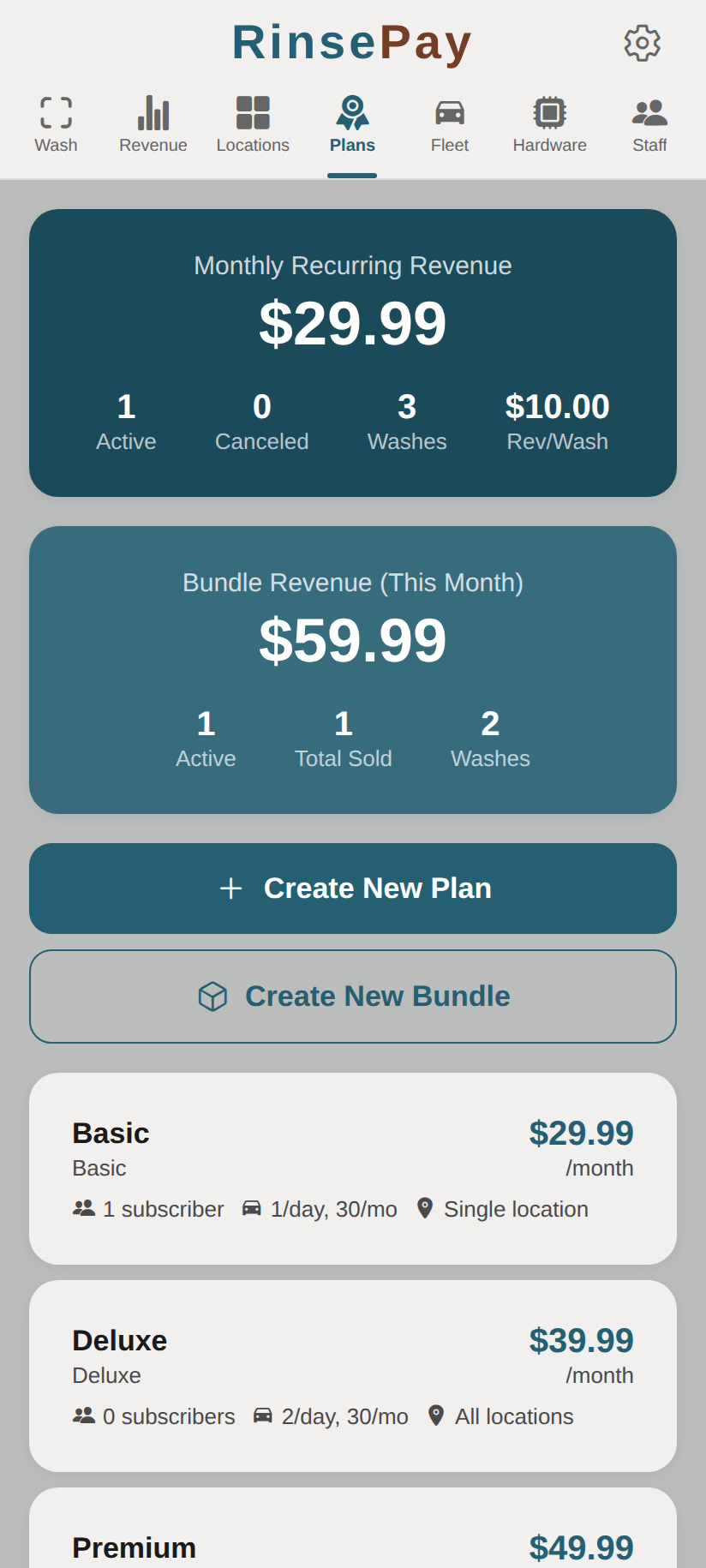
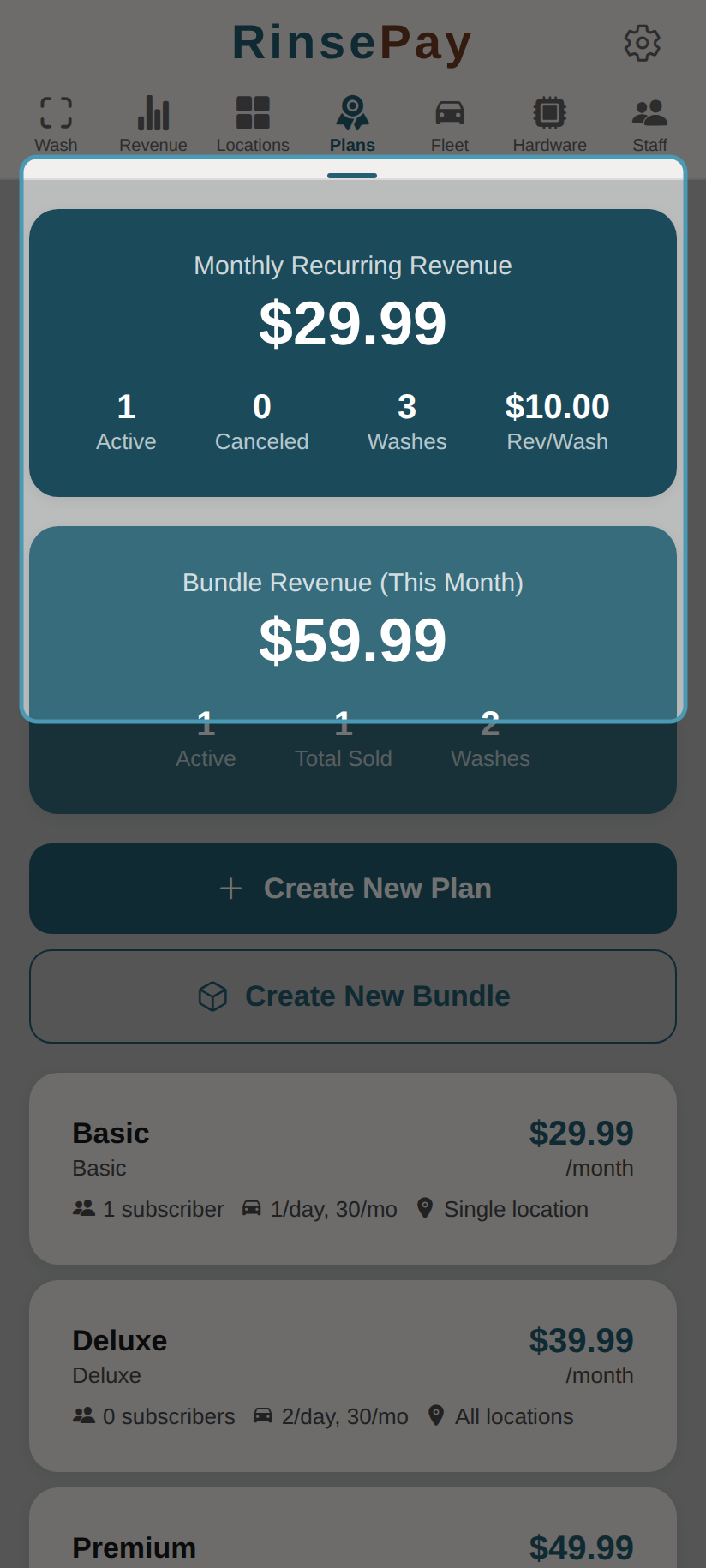
The Plans dashboard shows your recurring and bundle revenue at a glance:
Subscription Plans
Subscription plans charge customers a monthly fee for wash benefits.
Creating a Plan
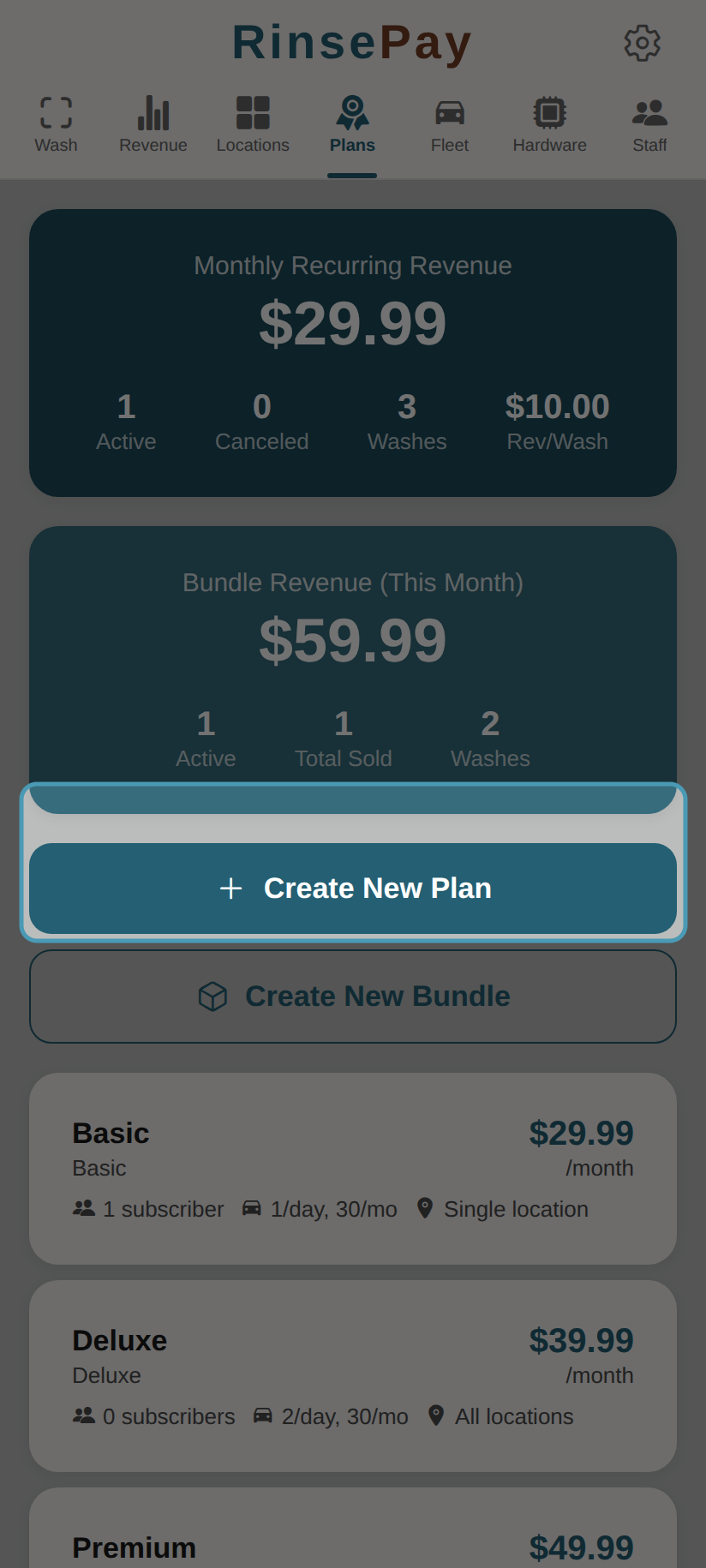
- Navigate to Plans in the owner sidebar
- Tap Add Plan
- Configure:
- Plan Name — e.g., "Unlimited Basic", "Premium Monthly"
- Price — Monthly recurring charge
- Description — What the plan includes
- Included Washes — Number of washes per month (or unlimited)
- Wash Types — Which bay types the plan covers
- Tap Save
Managing Plans
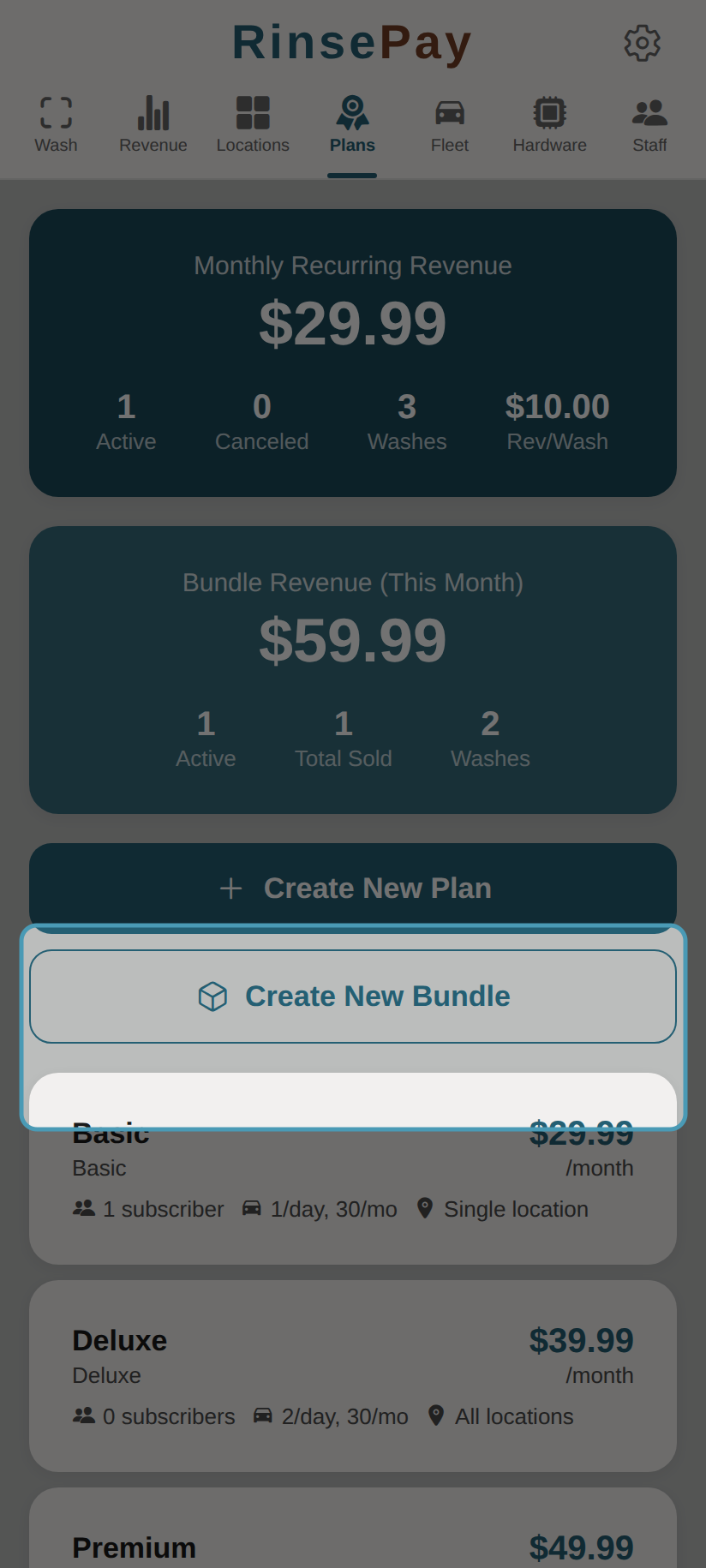
Each plan card shows subscriber count, wash limits, and pricing:
- View active subscribers for each plan
- Edit plan details (changes apply to new subscribers)
- Deactivate plans to stop new signups
Wash Bundles
Bundles are pre-purchased packs of washes at a discounted rate.
Creating a Bundle
- Go to Plans
- Tap Add Bundle
- Configure:
- Bundle Name — e.g., "10-Pack Basic"
- Price — One-time purchase price
- Number of Washes — How many washes are included
- Wash Types — Which bay types the bundle covers
- Tap Save
Pricing Strategy Tips
- Offer a basic plan for frequent self-serve users
- Create premium plans that include automatic washes
- Use bundles for customers who don't want a recurring charge
- Consider offering a free trial wash to attract new subscribers